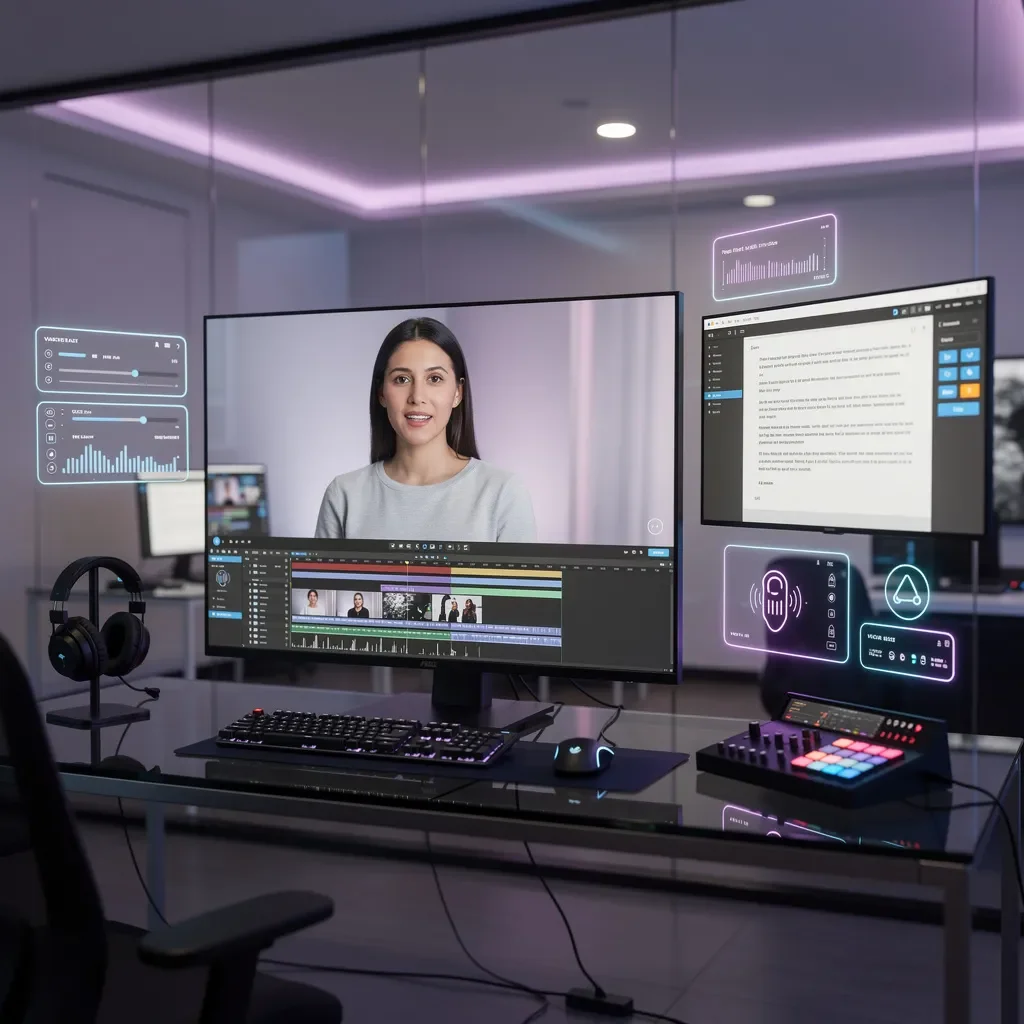
Video content drives more engagement, higher conversion rates, and better brand recall than any other format — but producing professional videos has traditionally required cameras, lighting, actors, studios, and editing software. AI spokesperson videos change that equation entirely. With Intellisea's Content Canvas, you can go from idea to polished, professional video in minutes — not weeks.
This guide walks you through the complete process: selecting an AI spokesperson, crafting a script, configuring your video settings, generating the final product, and publishing it across your channels.
Why AI Spokesperson Videos?
Before diving into the how-to, it's worth understanding why AI spokesperson videos are becoming a core part of modern marketing strategies:
- Speed — Produce a professional video in minutes instead of days or weeks of production planning
- Cost — No need for studios, camera crews, actors, or expensive editing software
- Consistency — Your spokesperson delivers your message the same way every time, with perfect pronunciation and pacing
- Scale — Create dozens of videos for different products, services, audiences, or languages without additional cost
- Iteration — Need to update a stat or change a CTA? Regenerate the video in minutes instead of reshooting
"Businesses using video in their marketing report 66% more qualified leads per year and a 54% increase in brand awareness. AI spokesperson videos make this accessible to businesses of every size."
How It Works in Intellisea
The Content Canvas in Intellisea provides a visual workspace for creating all types of content — images, videos, blog posts, and social media assets. The AI spokesperson video feature is built directly into this canvas, so everything stays in one place.
Step 1: Choose Your Spokesperson
Intellisea offers a curated gallery of over 36 AI spokespeople, each designed to resonate with different industries and audiences. The gallery is organized into two categories:
- General spokespeople (12) — Diverse professionals suitable for any industry, including various ages, ethnicities, and presentation styles
- Industry-specific spokespeople (24) — Tailored avatars that visually match your business vertical: a doctor for healthcare, an attorney for legal services, a chef for restaurants, a real estate agent for property businesses, and many more
Each spokesperson has been generated with professional attire, appropriate backgrounds, and natural facial expressions that create a trustworthy, authoritative presence on camera.
Step 2: Write or Generate Your Script
Every great video starts with a great script. You have two options:
Option A: Write your own script. Simply type your message directly into the script editor. The editor includes a character counter and estimated duration indicator so you know exactly how long your video will be before generating it.
Option B: Let AI write it for you. Describe what you want the video to communicate, and Intellisea's Content Director agent will craft a professional script tailored to your brand voice, target audience, and desired tone. For example:
- "Write a 60-second explainer video script introducing our new patient portal to existing dental patients"
- "Create a script for a testimonial-style video highlighting our 20 years in residential roofing"
- "Draft a script announcing our holiday sale — 30% off all services through December"
The AI generates the script with proper pacing, natural speech patterns, and clear calls to action. You can refine it through conversation — "Make the opening more energetic" or "Add a mention of our free consultation offer."
Step 3: Configure Video Settings
Before generating, you'll configure a few key settings:
- Dimensions — Choose landscape (1920×1080) for YouTube and websites, square (1080×1080) for Instagram and Facebook feeds, or portrait (1080×1920) for Stories, Reels, and TikTok
- Video title — A descriptive title for organization and search purposes within your content library
- Voice — The AI automatically matches voice characteristics to your selected spokesperson, but you can customize tone and pacing
These settings are saved per project, so if you're producing a series of videos, your preferences carry forward automatically.
Step 4: Generate the Video
Click Generate and Intellisea handles everything:
- Script processing — Your script is analyzed for pronunciation, pacing, and natural speech breaks
- Voice synthesis — A natural-sounding voice recording is generated from your script with appropriate intonation and emphasis
- Avatar animation — The selected spokesperson is animated with lip-synced mouth movements, natural head gestures, eye contact, and subtle body language
- Rendering — The final video is composited and encoded in high-definition quality
- Delivery — The completed video appears in your Content Canvas, ready for preview and download
Generation typically takes 2–5 minutes depending on script length and video complexity. A real-time progress indicator keeps you updated throughout the process.
Step 5: Review and Publish
Once generated, your video appears in the Content Canvas where you can:
- Preview — Watch the full video with controls for scrubbing, pausing, and full-screen playback
- Download — Export in MP4 format for upload to any platform
- Regenerate — If you want to adjust the script, change the spokesperson, or modify settings, simply regenerate without starting from scratch
- Publish directly — With connected WordPress integration, publish the video directly to your website as an embedded post or page element
All generated videos are stored in your media library and accessible from the Content Canvas at any time. There's no expiration — your content remains available as long as your account is active.
The Spokesperson Gallery
The spokesperson gallery currently includes 36 professionally crafted avatars spanning 20+ industries. Here's a selection of industry-specific spokespeople available:
- Healthcare — Dr. David (physician), Rachel (nurse), Dr. Anita (dentist), Dr. Sonia (veterinarian), Patricia (pharmacist)
- Legal & Finance — Jonathan (attorney), Camille (paralegal), Robert (CPA), Charles (financial advisor), Diane (insurance)
- Home Services — Mike (construction), Gary (plumbing/HVAC), Angela (home services), Jake (solar/roofing), Diego (landscaping)
- Lifestyle & Wellness — Marco (chef/restaurant), Jasmine (fitness), Yuki (salon/beauty), Margaret (education)
- Professional Services — Victoria & Andre (real estate), Travis (automotive), Raj (technology/IT), Nadia (architecture)
Each spokesperson was designed to represent their industry authentically — wearing appropriate professional attire and photographed in contextually relevant settings. The diversity across the gallery ensures every business can find a spokesperson that resonates with their target audience.
Script Writing Best Practices
Whether you write your own script or use AI assistance, these principles produce the best AI spokesperson videos:
- Keep it conversational — Write the way people speak, not the way they write. Short sentences. Natural pauses. Contractions are fine.
- Front-load the value — Lead with the benefit or most important information. Viewers decide in the first 3 seconds whether to keep watching.
- One message per video — Resist the urge to cover everything. A focused 60-second video outperforms a rambling 5-minute one.
- Include a clear CTA — Tell viewers exactly what to do next: visit your website, book a consultation, call your office, or download a resource.
- Time your script — A good rule of thumb is ~150 words per minute. A 60-second video should be approximately 140–160 words.
Use Cases
AI spokesperson videos are versatile enough for nearly any marketing context. Here are the most popular use cases we see on the platform:
- Website welcome videos — Greet visitors on your homepage with a friendly, professional spokesperson who introduces your business
- Service/product explainers — Walk potential customers through what you offer and why it matters to them
- FAQ responses — Create a video library answering your most common customer questions
- Social media ads — Produce thumb-stopping ad creative for Facebook, Instagram, LinkedIn, and TikTok
- Email marketing — Embed video thumbnails in email campaigns to boost click-through rates by 200–300%
- Recruitment — Showcase your company culture and open positions with a professional video that stands out
- Training and onboarding — Create internal videos for employee training, process documentation, or company announcements
- Event promotion — Announce upcoming events, webinars, or product launches with polished video invitations
AI-Generated vs. Traditional Video
Understanding when to use AI spokesperson videos versus traditional video production helps you make the most of both approaches:
- Use AI videos when: Speed matters, budgets are limited, you need multiple variations, content changes frequently, or you need videos in multiple languages
- Use traditional video when: You need to show physical products in action, capture real customer testimonials on camera, film location-specific content, or create highly emotional brand storytelling
Many businesses find the sweet spot is a hybrid approach: traditional video for flagship brand content and AI videos for the high-volume, frequently updated content that would otherwise be too expensive to produce.
Consider the math: a single professionally produced video might cost $2,000–$10,000 and take 2–4 weeks. With AI spokesperson videos, you can produce that same volume of content in an afternoon at a fraction of the cost — and regenerate any video instantly when your messaging needs to change.
Getting Started Today
Creating your first AI spokesperson video takes less than 5 minutes:
- Open Content Canvas — Navigate to the Content Canvas from your Intellisea dashboard
- Select "Create Video" — Choose the AI Spokesperson Video option from the media creation menu
- Pick your spokesperson — Browse the gallery or filter by industry to find your ideal presenter
- Write or generate your script — Type your message or ask the AI to draft one for you
- Click Generate — Sit back while your professional video is created
No video editing experience required. No equipment needed. No subscription to separate video tools. Everything is built into the Intellisea platform so you can create, manage, and publish video content from one place.
Start with a simple use case — like a 30-second welcome video for your website — and expand from there as you see the impact that consistent video content has on your engagement and conversions.